
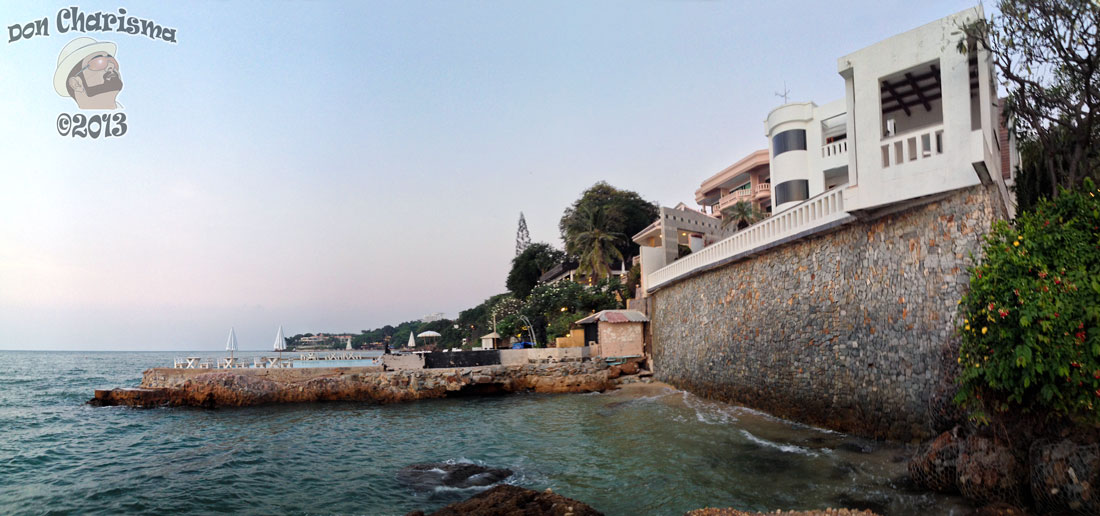
I really like this spot, it’s as far as I can walk on my daily walk. There’s a little beach here that can be used when the tide is out. The wall is also fairly impressive, with a resort behind, looks like a cool place to stay.
Taken just close to sundown. It’s 6 photos wide (portrait) stitched together with PTGui Pro. I’ve also made friends with the Photoshop blur, sharpen, burn and dodge tools to make iron out some of the little wrinkles I was getting.
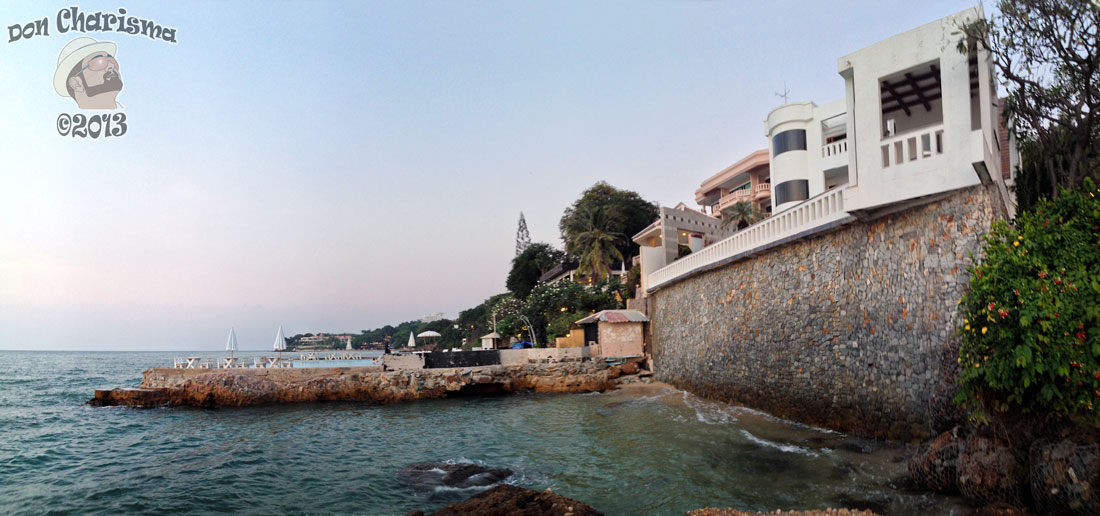
Photos (c) Don Charisma, taken Thailand, Nov-2013

 Don Charisma
The water glistens. It’s beautiful. I wish I could travel to this place
It’s lovely, and a bit secluded, one day perhaps I’ll rest a while on the little beach 🙂
I used to stitch scanned 12×12 scrapbook layouts together in PS. The eraser and clone were god sends 🙂
I’d like to find out how to do manual stitching as sometimes I get photos that can’t be matches, not enough overlap or moving objects etc … so any input useful 🙂
I’m not really sure how to help as my version of PS doesn’t have the stitch function. I used to scan things in two halves and then join them together in PS, so I’m not really much help to you am I?
OK, but I’m talking about where the stitch function won’t do it, so it’s about how to cut the images and blend them so that the joins disappear … method or suggested method really …
When I scanned two halves, I had an overlapping part. I used to line up the images with an overlap on top and then erase the shadow on the join line making it look seamless. I guess the trick with photograpy (and I have tried this but it turned out wonky at first) is to take a series of overlapping photos and then create a canvas that is much larger. Drag your photos into this and line them up how you feel it should look (I did this with a photo of a pier). Use the erase tool on the overlap if it is shadowed and then crop the top and bottom to get rid of the uneven edges of the overlapping photos. I found that people walking past who were in one photo and not the next etc needed to be cloned out otherwise it looked really funny. It is all pretty much trial and error and I am self taught so I played around to find what worked for me.
Thanks Suz, that’s what I was thinking, similar lines, just the method I didn’t know … I reckon perhaps with a bit of warping should be able to get things to line up nicely … did wonder if there was a layer blending method that would do this without the eraser tool, AND some other function of PS that would automatically make a best fit cut of the images … I’ll have a go soon 🙂
Where’s the seedling photos, thought you were gonna drive by and photograph ?
Emailed them to you this morning 🙂
I check email then !